

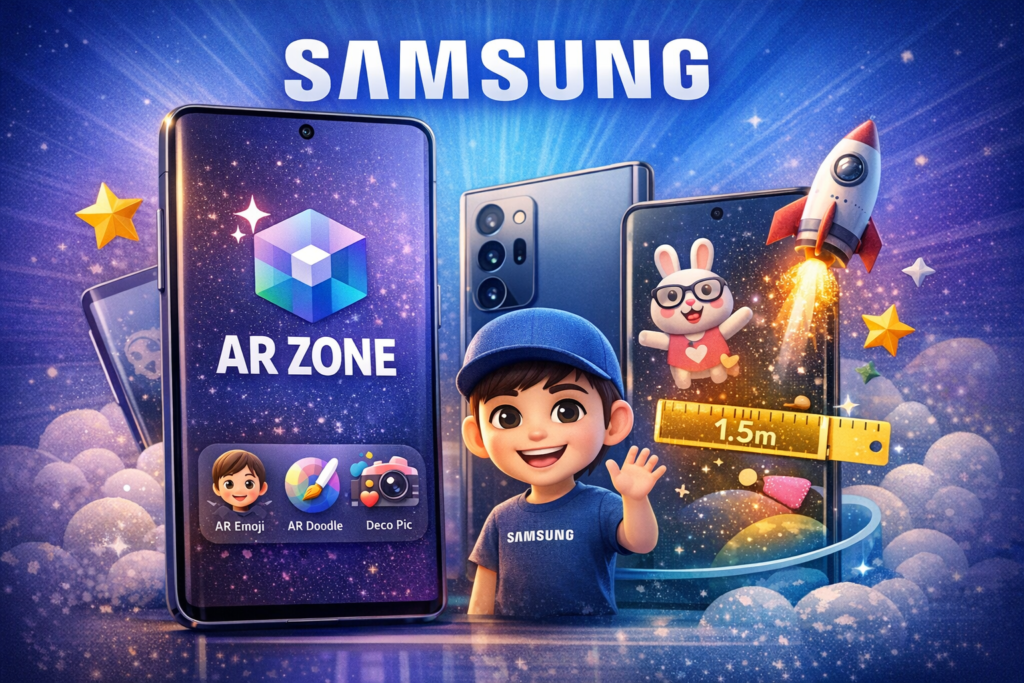
If you are using a Samsung Galaxy phone, you may have noticed an app called AR Zone. Many users search for “AR Zone app Samsung” to understand what it does, why it is installed, and whether it is safe.
To put it simply, AR Zone is an integrated Samsung software that uses the camera on your phone to offer augmented reality (AR) features. It is made especially for Samsung Galaxy smartphones.
What Is AR Zone App on Samsung?
AR Zone app Samsung is a system-based augmented reality platform developed by Samsung Electronics. Many Samsung Galaxy smartphones with One UI have it pre-installed.
In contrast to standard apps that can be downloaded from the Play Store, AR Zone is embedded right into:
- Samsung Camera
- Samsung system software
- One UI interface
Using the phone’s motion sensors and camera, users may engage with digital information in real time.
What Does Samsung AR Zone App Do?
The Samsung AR Zone app provides several interactive AR tools, including:
- AR Emoji – Create animated avatars that mirror your facial expressions
- AR Doodle – Draw virtual objects into the real world
- Deco Pic – Add AR stickers, filters, and masks
- Quick Measure – Measure distances and objects using the camera (on supported models)
These features superimpose digital objects on your environment using augmented reality technology.
Why Is AR Zone App Installed on My Samsung Phone?
If you did not install AR Zone manually, that is normal.
AR Zone is pre-installed by Samsung on many Galaxy devices. It is a component of the software that comes pre-installed on your phone.
Samsung includes AR Zone to enhance:
- Camera functionality
- Social sharing features
- Creative AR experiences
It is an official Samsung function, not virus or bloatware.
Is AR Zone App Safe on Samsung?
Yes.
The Samsung AR Zone app is completely safe to use. Samsung develops and maintains it, and official firmware upgrades are used to distribute it.
It does request permissions such as:
- Camera access
- Storage access
- Microphone access (for certain features)
AR functionality requires certain permissions.
Can You Remove AR Zone App on Samsung?
On many Samsung Galaxy phones:
- You cannot fully uninstall AR Zone
- You may be able to disable it
- Disabling it will remove AR features from the camera
Disabling AR Emoji or AR tools won’t have an impact on standard phone functions like texting, calls, or internet access if you don’t use them.
Which Samsung Phones Support AR Zone?
AR Zone is commonly available on:
- Samsung Galaxy S series
- Galaxy Note series
- Galaxy A series (select models)
- Some Galaxy Z foldable models
One UI version and device compatibility are prerequisites for support.
Do You Need AR Zone App on Samsung?
You need AR Zone if:
- You enjoy augmented reality features
- You use AR Emoji
- You like creative camera filters
- You use Samsung’s built-in AR tools
The app is optional if you don’t use these features.
AR Zone Samsung vs Other AR Apps
Samsung AR Zone is different from:
- Google ARCore
- Third-party AR apps from Play Store
Better integration and more seamless performance on Galaxy devices are made possible by AR Zone’s special optimization for Samsung hardware and camera systems.
Conclusion
The AR Zone app Samsung is a built-in augmented reality platform designed for Samsung Galaxy smartphones. Using cutting-edge AR technology, it offers artistic camera capabilities like AR Doodle, AR Emoji, and virtual effects.
It is incorporated into Samsung’s One UI software, safe, and official. Using augmented reality elements improves your camera experience. If you do not, it can usually be disabled without affecting your phone’s core functionality.