

AR Zone App: Right Inside Your Phone
The AR Zone app is an integrated augmented reality platform designed for Samsung Galaxy phones and supported Android devices, allowing users to access immersive AR experiences directly through their phone’s camera. It supports dynamic visual effects, innovative camera tools, and real-time augmented reality components without the use of third-party applications.
On compatible devices, the Samsung AR Zone app comes pre-installed as part of the system software, making it instantly available for users who want to explore AR-based camera experiences. Known as the AR Zone app on Android, its availability and usefulness are determined by device compatibility, software version, and system support.
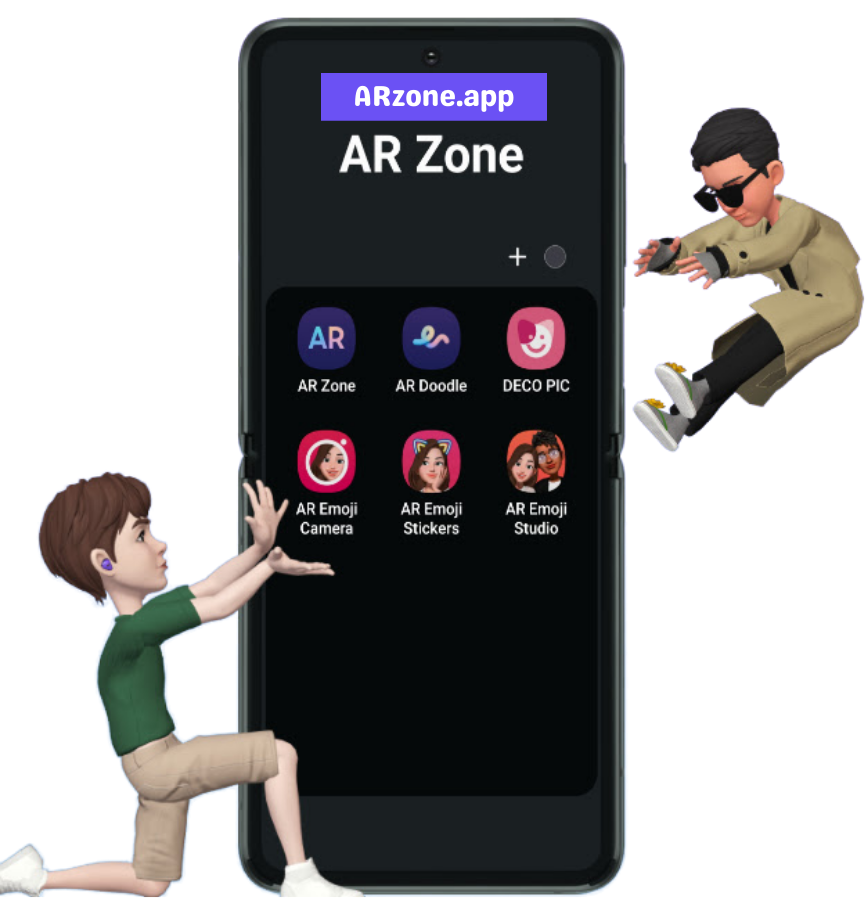
What is AR Zone App
The AR Zone app is a system-level augmented reality platform built into Samsung Galaxy phones and supported Android devices. It integrates directly with the device camera, providing fluid and interactive AR experiences as part of the native software environment.
Unlike third-party camera or filter apps, the AR Zone app is designed to function as part of the phone’s core software experience. Its availability and capabilities vary by device type, Android version, and system compatibility, which is why it comes pre-installed on many Samsung phones.
Key AR Zone App Features:

AR Doodle
Draw and animate visuals directly into photos and videos using the live camera view.

Deco Pic
Apply augmented reality stickers, frames, and effects to enhance images and recordings.

Quick Measure
Measure objects and distances using camera-based AR technology on supported devices.

Camera-Integrated AR Tools
Access AR Zone features seamlessly through the built-in Samsung camera interface.

AR Stickers & Effects
Add interactive AR stickers and visual elements that respond naturally to movement and camera positioning.
What the AR Zone App Does
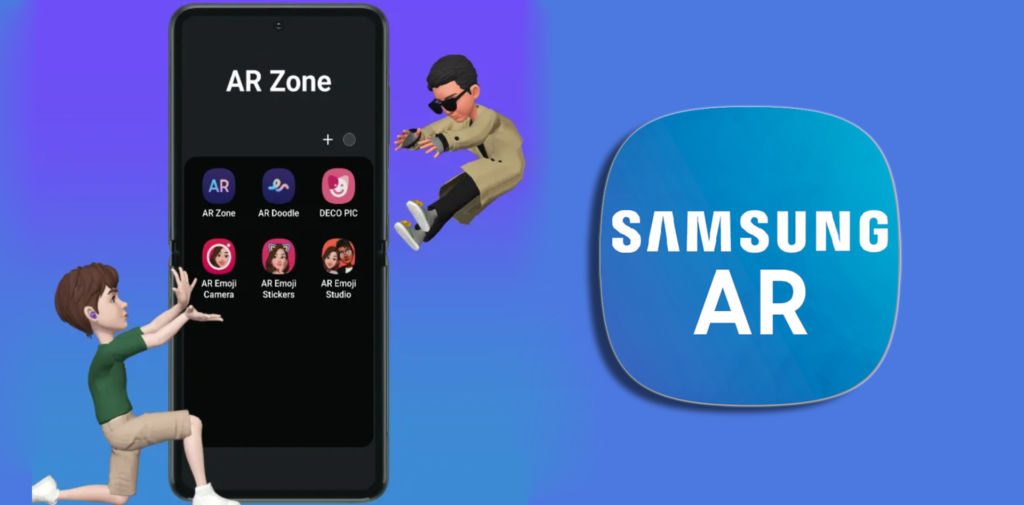
The AR Zone app enhances the phone’s camera by adding real-time augmented reality capabilities directly into the system experience. It enables users to interact with digital components placed over real-world settings, resulting in a more immersive and creative method to take images and films.
By combining camera input with AR technology, the Samsung AR Zone app enables expressive visual interactions such as animated avatars, interactive drawings, and virtual effects that respond to movement and facial expressions. These experiences are processed on-device and are intended to operate seamlessly with the Samsung and Android ecosystems.
Rather than serving as an independent editing tool, the AR Zone app on Android acts as an extension of the camera, bringing augmented reality capabilities into regular use without the need for external apps or further setup.
Is the AR Zone App Safe to Use?
Yes, AR Zone app is safe to use. The AR Zone app is developed and maintained by Samsung and is included as part of the system software on supported Galaxy devices. As a native application, it adheres to Samsung’s security standards and Android platform rules.
AR Zone requires access to the device camera and related system functions in order to deliver augmented reality experiences. These permissions are exclusively used to enable camera-based AR capabilities; they are not meant for third-party data collection or advertising.
Because the Samsung AR Zone app operates within the device ecosystem, updates and security protections are handled through official system updates and supported app stores. Users who do not wish to use AR features can control visibility and permissions via device settings.
AR Zone App Download & Availability
The AR Zone app download is available on supported Samsung Galaxy phones as part of the system software and can be accessed directly through the device camera or app menu. On compatible devices, the Samsung AR Zone app may be pre-installed or available through official Samsung distribution channels.
Availability of the AR Zone app on Android depends on device model, Android version, and regional support. To ensure safety and good performance, the AR Zone app should only be accessed or updated from reliable and official sources.
Availability for supported Samsung devices
View Samsung device compatibility
Learn about Android availability
Supported Devices For AR Zone App
The AR Zone app is supported on select Samsung Galaxy smartphones that include compatible hardware and camera capabilities. Most recent Galaxy devices running supported Android versions can use AR Zone features, though availability varies by model and location.
Some AR features may be limited or inaccessible on some devices, depending on system support and software version. To get an excellent experience, users should make sure their device is up to date with the latest software and meets Samsung’s compatibility requirements.
Do You Need the AR Zone App?
Whether you need the AR Zone app depends on how you use your phone’s camera and creative features. AR Zone is intended for consumers that prefer interactive, camera-based augmented reality experiences embedded right into their device.
You may want the AR Zone app if you:
- Create AR emojis or animated avatars for texting and social sharing
- Use camera effects, stickers, and AR visuals in photos or videos
- Enjoy creative tools such as AR Doodle for real-time painting and animation
- Quick Measure allows you to measure items or distances on supported devices
- Prefer built-in Samsung features over third-party AR or filter apps
- Want to access augmented reality technologies connected with the system camera
You may not need the AR Zone app if you:
- Do not use AR camera features
- Prefer basic photography without visual effects
- Want a standard app experience with fewer system tools
Check Requirements:
Can You Uninstall or Remove the AR Zone App?
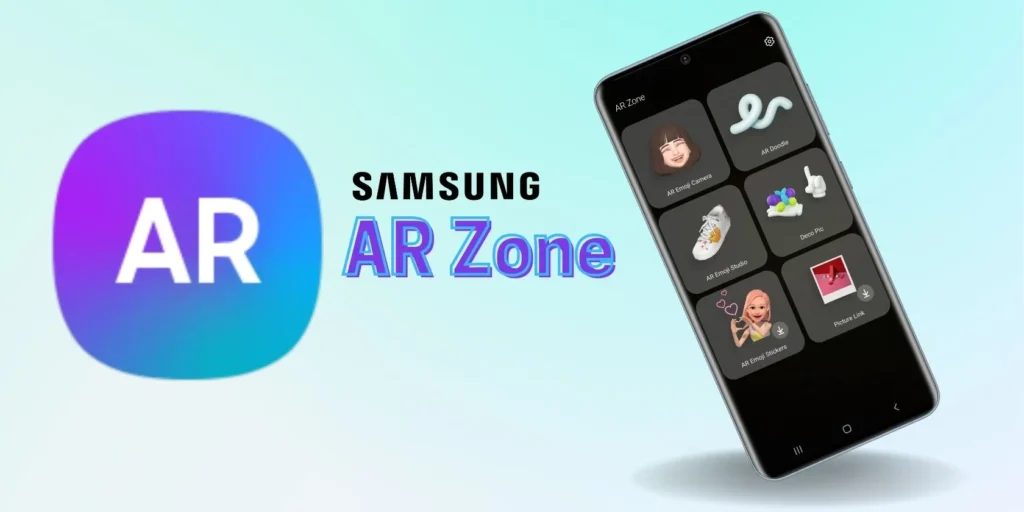
The AR Zone app is a system-level application on most Samsung Galaxy phones, which means it cannot be fully uninstalled like a regular third-party app. Because it is included into the device software, AR Zone remains a part of the system even when not in use.
Users that do not require AR features can hide the AR Zone app, delete it from the app drawer, or modify its rights in device settings. This allows the app to remain dormant while maintaining basic phone functionality.
Users seeking for detailed choices for managing or disabling AR Zone can find a comprehensive guide with device-specific instructions and recommendations.
AR Zone App – Frequently Asked Questions
Find clear answers to the most common questions about the AR Zone app, including how it works on Samsung and Android devices, whether it is safe to use, if you need it on your phone, and how availability or removal options work.
What is the AR Zone app?
The AR Zone app is a built-in augmented reality application for Samsung Galaxy phones that adds interactive AR elements to the device’s camera.
What is the AR Zone app used for?
The AR Zone app allows you to create AR emojis, add augmented reality effects to photographs and videos, draw in real time with the camera, and use AR-based measurement tools.
What does the AR Zone app do on Samsung phones?
On Samsung phones, the Samsung AR Zone app integrates directly with the camera to provide AR visuals, creative effects, and interactive tools without third-party apps.
Is AR Zone an Android app or a Samsung app?
AR Zone is a Samsung-developed app that runs on Android. While it runs on the Android platform, it is specifically built for Samsung devices.
Is the AR Zone app safe to use?
Yes. The AR Zone app is safe since it was designed by Samsung and adheres to Android security and privacy standards. Camera permissions are only needed to activate AR features.
Do I need the AR Zone app on my phone?
You only need the AR Zone app if you want to use the augmented reality camera features. If you do not use AR tools, the app may remain inactive or hidden.
Why is the AR Zone app on my phone?
The AR Zone app appears on many Samsung phones because it comes pre-installed as part of the system software on supported models.
Can I uninstall or delete the AR Zone app?
If you want to uninstall AR Zone app, which is a system program on most Samsung phones, cannot be completely deleted. It can, however, be hidden or adjusted in the device’s settings.
How do I remove or disable the AR Zone app?
While AR Zone cannot be completely deleted, users can control permissions, hide the app from the app drawer, and disable related functions in the Settings menu.
Where can I download the AR Zone app?
The AR Zone app download is available on supported Samsung devices through official system updates or Samsung app distribution channels.
Does the AR Zone app work on all Android phones?
No. The AR Zone app on Android works only on compatible Samsung devices. Availability and features vary by model and Android version.
What are the main features of the AR Zone app?
AR Emoji, AR Doodle, Deco Pic, Quick Measure, and other camera-integrated AR tools are among the key features available for supported devices.
Get Started With the AR Zone App
The AR Zone app brings camera-based augmented reality features directly to supported Samsung devices. Explore availability, compatibility, and official access options to start using AR Zone with confidence.