

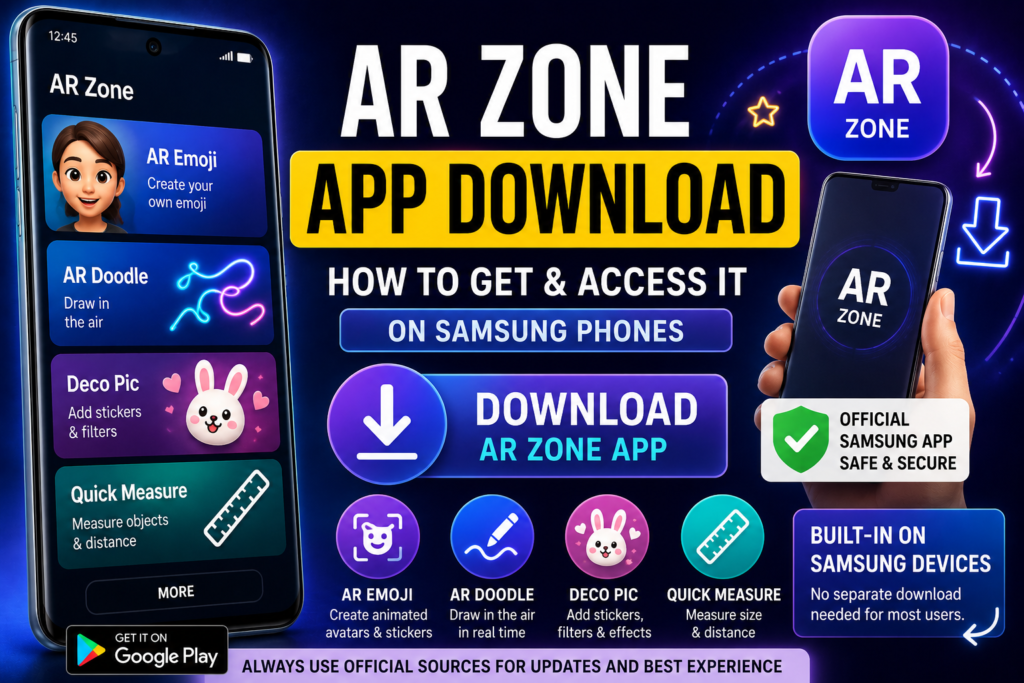
Many users search for “AR Zone app download” after noticing augmented reality features on Samsung devices or hearing about tools like AR Emoji and AR Doodle. Simply be prepared to wait in line.Some individuals can’t find the app on their phone, while others want to know if they have to install it manually.
The most important thing to understand is:
AR Zone is usually pre-installed on supported Samsung Galaxy phones and does not require a separate download in most cases.
This page discusses how AR Zone works, where you can access it safely, and if downloading APK files is encouraged.
What Is AR Zone App?
AR Zone is Samsung’s built-in augmented reality platform that combines several AR features into one place. It enables users to create animated avatars, apply digital effects, draw augmented reality drawings, and employ interactive camera capabilities.
Samsung introduced AR Zone as part of its One UI ecosystem for Galaxy devices.
Is AR Zone App Available for Download?
Yes, but AR Zone is already included into most supported Samsung smartphones’ system software.
In many cases, users can access it directly without downloading anything.
You can usually find AR Zone by:
- Opening the Camera app
- Tapping More
- Selecting AR Zone
Some Samsung phones display AR Zone as a separate app in the app drawer.
Why Some Users Search for AR Zone Download
Users commonly search for AR Zone downloads because:
- The app may not appear in the app drawer
- Some devices hide it inside the Camera app
- Certain One UI versions organize AR tools differently
- Some newer Samsung updates separate AR features into individual apps
Samsung has steadily modified the way AR features are organized in later One UI versions.
Official Ways to Access AR Zone
The most secure approach to use AR Zone is via Samsung’s approved system environment.
Method 1: Through the Camera App
- Open Camera
- Tap More
- Select AR Zone
Method 2: Search in Settings
- Open Settings
- Search for AR Zone
Method 3: Samsung System Updates
Some devices get AR Zone capabilities through:
- One UI updates
- Galaxy Store updates
- Samsung system services
AR Zone APK Download – Should You Use It?
Many sources provide AR Zone APK downloads, but users should be cautious.
Although APK files exist online, unofficial downloads can create:
- Compatibility problems
- Missing features
- Security risks
- System instability
AR Zone is deeply integrated into Samsung’s camera framework and One UI software. Installing modified APK versions may not work if your device does not officially support AR Zone.
Is AR Zone Available on Non-Samsung Android Phones?
Usually, no.
AR Zone is mainly designed for Samsung Galaxy devices and depends on Samsung-specific software integration.
Even if APK files are installed on non-Samsung devices, several functionalities may not work properly.
Main Features Available in AR Zone
Once accessed, AR Zone includes features such as:
AR Emoji
Make animated avatars that replicate face emotions.
AR Doodle
Draw virtual objects and animations into videos in real time.
Deco Pic
Add augmented reality stickers, masks, and filters to photographs and videos.
Quick Measure
Measure objects and distance using augmented reality on supported devices.
How to Check If AR Zone Is Already Installed
Before beginning any download, make sure AR Zone is already installed on your device.
You can:
- Search AR Zone in the app drawer
- Open the Camera app and look for AR features
- Search AR Zone inside Settings
If detected, no more downloads are required.
Is AR Zone Safe to Download?
The safest version of AR Zone is given directly by Samsung via system software and upgrades.
Avoid:
- Modified APK files
- Unknown third-party download sites
- Unauthorized installers
The official Samsung versions are safer and more stable.
Conclusion
The AR Zone app download is usually unnecessary for Samsung Galaxy users because the app is commonly pre-installed as part of Samsung’s One UI system. Users can usually access AR Zone directly from the Camera app or device settings, without having to install anything else.
While APK files are available online, we do not encourage unofficial downloads because AR Zone is significantly reliant on Samsung’s software architecture. For the safest experience, users should always use official Samsung system updates and supported access methods.