

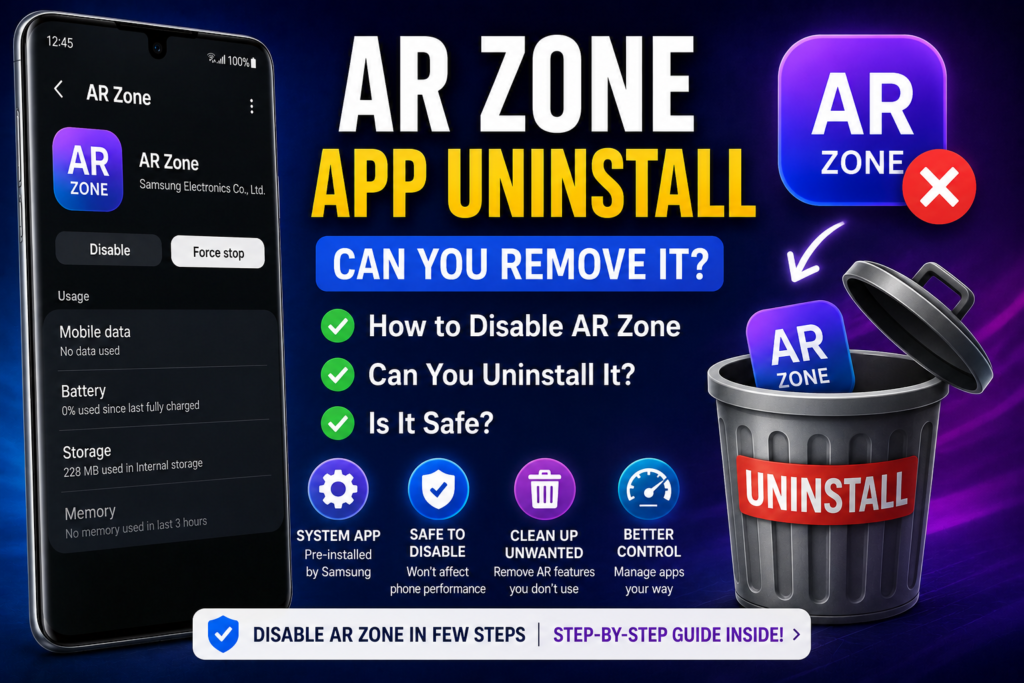
Many Samsung users search for “AR Zone app uninstall” after noticing the app on their device and wondering whether it can be removed. Because AR Zone is typically pre-installed as part of Samsung’s software, consumers are often unclear whether it is safe or even possible to uninstall.
The simple answer is:
AR Zone can usually be disabled on Samsung phones, but complete uninstallation is not always possible because it is considered a system application.
This tutorial describes how AR Zone works, if you should uninstall it, and what happens when you do.
What Is AR Zone App?
AR Zone, Samsung’s built-in augmented reality platform, offers features such as:
- AR Emoji
- AR Doodle
- Deco Pic
- Quick Measure (on supported devices)
It integrates with Samsung’s Camera app and One UI framework to provide interactive AR experiences.
Can You Uninstall AR Zone App?
On almost all Samsung Galaxy devices:
- You cannot fully uninstall AR Zone normally
- You can usually disable it
- Some models may allow partial removal through updates or app settings
Because AR Zone is embedded into Samsung’s system software, Android treats it differently than other downloaded apps.
Difference Between Disable and Uninstall
This is crucial to comprehend.
Disable
When you disable AR Zone:
- The app stops running
- AR features disappear
- It no longer appears in normal usage
However, system files remain on the phone.
Uninstall
A genuine uninstall would delete all app files from the system. Samsung normally prohibits this for AR Zone because it is linked to One UI features.
How to Disable AR Zone App
If you don’t use AR features, turning off AR Zone is usually the safest option.
Steps:
- Open Settings
- Go to Apps
- Search for AR Zone
- Tap the app
- Select Disable (if available)
Some devices may show:
- Force Stop
- Disable
- Remove Updates
Options vary depending on the Android and One UI versions.
What Happens If You Disable AR Zone?
Disabling AR Zone only impacts the augmented reality features.
You may lose:
- AR Emoji
- AR Doodle
- AR camera filters
- Quick Measure
However, your phone will continue to work regularly for:
- Calls
- Messages
- Internet browsing
- Standard photography
Is It Safe to Disable AR Zone?
Yes.
Disabling AR Zone is safe if you do not use Samsung’s AR features.
It does not harm the device or impair essential Android functionality.
Can You Remove AR Zone Using APK or Third-Party Tools?
Some users try to totally delete AR Zone using:
- ADB commands
- Third-party uninstallers
- Modified tools
This is generally not recommended for regular users because:
- It may cause system instability
- Camera features could stop working properly
- Future Samsung updates may fail or behave unexpectedly
For most people, deactivating the app is the safer option.
Why Samsung Includes AR Zone
Samsung pre-installs the AR Zone because:
- Enhances camera experiences
- Supports One UI AR features
- Provides creative tools for users
It is considered a component of Samsung’s software ecosystem.
Does AR Zone Use Storage and Battery?
AR Zone uses:
- Small system storage space
- Battery only when actively used
When disabled, it usually consumes relatively little background activity.
Should You Uninstall AR Zone?
You may choose to disable or remove AR Zone if:
- You never use AR features
- You prefer fewer system apps
- You want a cleaner app drawer
You might wish to preserve it:
- You use AR Emoji
- You enjoy camera effects
- You use Samsung AR tools
Is AR Zone Necessary?
No.
AR Zone is optional and not required for basic phone operations.
Your phone will continue to function normally even if the app is disabled.
Conclusion
The AR Zone app uninstall process depends on your Samsung device and software version. In most circumstances, the program cannot be totally deleted because it is part of Samsung’s One UI system. However, if users do not use AR features, it is typically safe to disable it.
Disabling AR Zone disables augmented reality tools such as AR Emoji and AR Doodle but does not effect vital phone functionality. For most users, disabling the app is the safest and simplest solution instead of attempting risky third-party removal methods.