

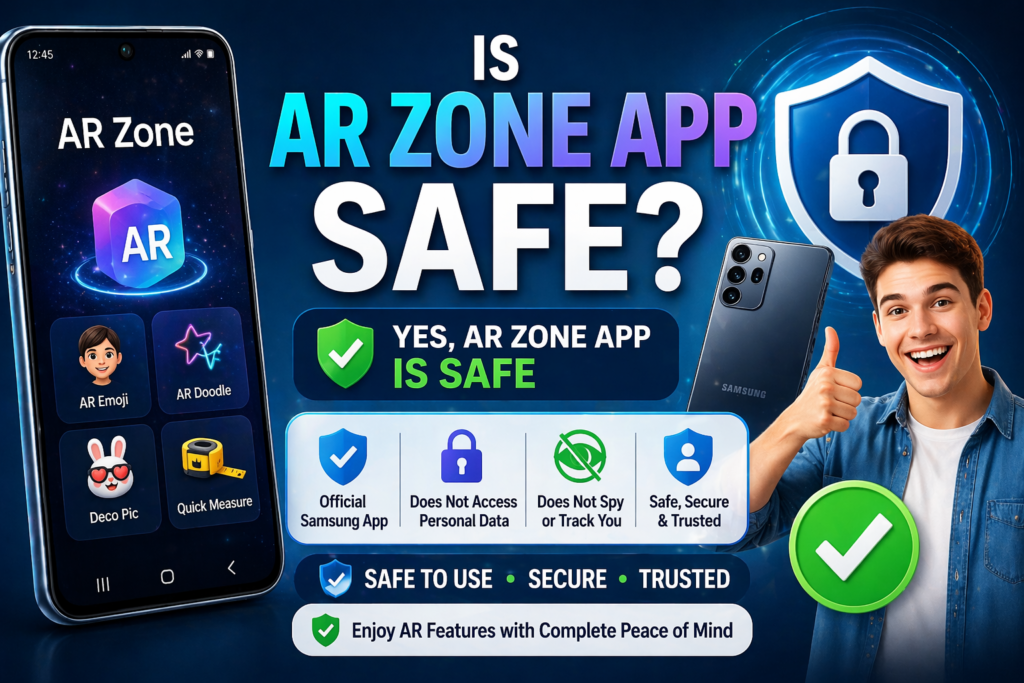
Many Samsung customers are unsure when they see the AR Zone app on their phone, especially since it frequently comes pre-installed. A common question is: “Is AR Zone app safe?”
The simple answer is:
Yes, AR Zone app is safe when used on Samsung devices. It is an official application developed by Samsung and built into the system software.
In this article, we will go over its security, permissions, and whether you should be concerned about privacy.
What Is AR Zone App?
AR Zone is a built-in augmented reality app for Samsung Galaxy phones that lets you build interactive camera experiences.
It includes features like:
- AR Emoji
- AR Doodle
- Deco Pic
- Quick Measure (on supported devices)
These tools use your phone’s camera and sensors to superimpose digital features on the actual world.
Is AR Zone App Safe to Use?
Yes.
AR Zone is absolutely safe because it was developed and maintained by Samsung and is part of the official system software.
It is not:
- Malware
- Spyware
- A virus
- A third-party app
Since it comes pre-installed, it follows Samsung’s built-in security standards and Android system protections.
Does AR Zone Access Your Personal Data?
No.
AR Zone does not have access to sensitive personal information such as contacts, messages, or call logs.
It only uses permissions required for its features, such as:
- Camera access – to create AR effects
- Storage access – to save photos and videos
- Sensors – to track movement for AR placement
These are standard permissions for any camera-based app.
Does AR Zone Track or Spy on You?
No.
AR Zone does not track your activity, record you secretly, or monitor your personal information.
It only works when you:
- Open the app
- Use AR features in the camera
It does not run indefinitely in the background or collect private information.
Is AR Zone Safe for Privacy?
Yes.
Because it is a system-level Samsung app, AR Zone:
- Follows official privacy policies
- Operates within the device ecosystem
- Does not share data with unknown third parties
Its objective is to provide AR functionality rather than to collect data.
What About Battery and Performance?
AR Zone:
- Uses battery only when actively in use
- Does not run constantly in the background
- Does not slow down your phone under normal conditions
As with any camera feature, it may consume more power while recording or activating AR effects, which is normal.
Is It Safe to Disable AR Zone App?
Yes.
If you do not use AR features:
- You can disable AR Zone from Settings
- Your phone will continue to work normally
Disabling only removes:
- AR Emoji
- AR camera effects
- AR-based features
It has no effect on the phone’s basic functions.
Is AR Zone Safe on Non-Samsung Phones?
This is important.
AR Zone should only be utilized with Samsung devices.
If you try to install it using APK files on other Android phones:
- It may not work properly
- It may require unsafe permissions
- It could expose your device to risks
Always avoid unofficial downloading.
Final Verdict: Is AR Zone App Safe?
Yes, AR Zone app is safe, secure, and officially developed by Samsung. It does not spy on users, steal personal data, or run secretly in the background.
It is simply a camera-based augmented reality tool designed for fun and creative use. If you appreciate augmented reality features, it is absolutely safe to use. If not, you can disable it without issue.
In short:
AR Zone is safe, optional, and fully controlled by the user.
Frequently Asked Questions
Is AR Zone app a virus?
No. It is an official Samsung app and completely safe.
Can AR Zone access my personal data?
No. It just uses the camera and storage for augmented reality capabilities.
Should I remove AR Zone app?
Only if you do not use it. Otherwise, it is safe to retain.