

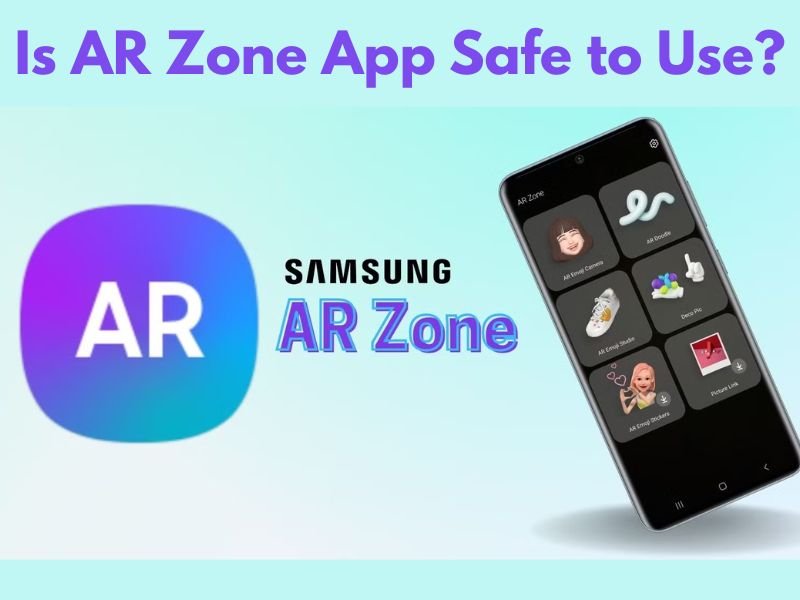
Many Samsung users notice the AR Zone app on their phone and immediately wonder whether it is safe. AR Zone is frequently pre-installed and not manually downloaded, which raises legitimate issues regarding privacy, authorisation, and background activity.
This article explains whether the AR Zone app is safe to use, what data it accesses, and whether you actually need to worry about keeping it enabled on your Samsung phone.
Is AR Zone App an Official Samsung App?
Yes, AR Zone is an official Samsung-developed application.
It is:
- Created and maintained by Samsung
- Integrated into Samsung One UI
- Designed to work with Samsung camera and AR features
Because it is not a third-party app, AR Zone follows Samsung’s internal security standards and update policies.
What Permissions Does AR Zone App Use?
AR Zone, like many camera-based features, requires specific permissions to work effectively.
These commonly include:
- Camera access for AR effects
- Storage access to save images and videos
- Motion sensors for AR positioning
These permissions are used only when AR features are active. If AR Zone is not in use, it does not constantly access your camera or data.
Does AR Zone App Collect Personal Data?
AR Zone does not collect personal data independently.
Important points to understand:
- AR Zone does not function as a tracking app
- It does not access calls, messages, or contacts
- Any data used is related to camera and AR functionality
As part of Samsung’s ecosystem, AR Zone operates under Samsung’s broader privacy and security framework, not as a standalone data-collecting service.
Is AR Zone App Safe for Battery and Performance?
Yes, AR Zone is safe for normal phone performance.
When AR Zone is:
- Not actively used, it remains inactive
- Not running in the background continuously
- Only triggered when you open AR features
If you never use AR features, AR Zone has a low impact on battery life and system performance.
Why Do Some Users Feel Concerned About AR Zone App?
Concerns usually arise because:
- AR Zone is pre-installed
- It cannot always be uninstalled
- Users are unfamiliar with its purpose
These are reasonable worries, but they do not imply a security problem. AR Zone behaves like many system-level feature apps included with modern smartphones.
Is It Safe to Disable AR Zone App?
Yes, disabling AR Zone is completely safe.
Disabling the app:
- Stops AR features from running
- Prevents background activation
- Does not affect calls, internet, or other apps
Samsung allows customers to disable AR Zone because it is optional and not required.
Should You Keep AR Zone App Enabled?
You should keep AR Zone enabled if:
- You use AR Emoji or AR camera effects
- You enjoy Samsung’s AR features
- You use creative camera tools
You may disable AR Zone if:
- You never use AR features
- You want fewer system apps active
- You prefer a cleaner app experience
Both choices are safe.
Conclusion
The AR Zone app is safe to use on Samsung phones. It is an official Samsung application that does not surreptitiously collect personal information and does not degrade device performance. The majority of problems stem from users’ lack of understanding of its purpose.
If you appreciate augmented reality features, leaving AR Zone enabled is absolutely OK. If you do not use such features, deactivating the app is a safe and recommended alternative. In either case, AR Zone does not pose a security or privacy risk when managed through Samsung’s built-in settings.
Frequently Asked Questions
Is AR Zone app spyware?
No. AR Zone is not spyware. It is an official Samsung app designed for camera-based AR features.
Can AR Zone app access my personal data?
No. AR Zone only accesses camera and AR-related functions, not personal messages or contacts.
Is it safe to disable AR Zone app?
Yes. Disabling AR Zone is safe and does not affect normal phone usage.