

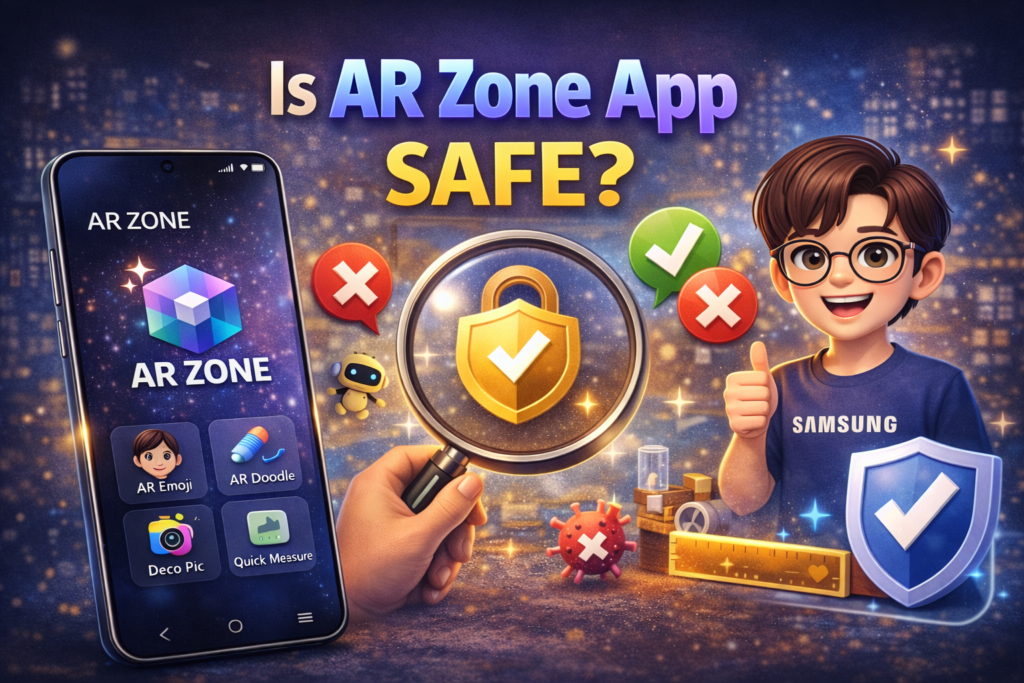
Many Samsung customers are concerned about the safety of the AR Zone app, particularly because it frequently comes pre-installed and cannot be purchased from the Play Store like other apps. Concerns about privacy, permissions, data access, and battery usage are common.
Here’s a clear explanation of AR Zone safety, what it accesses, and whether you should be cautious when using it.
What Is AR Zone App?
AR Zone is an official augmented reality feature developed by Samsung that works with your phone’s camera and motion sensors to provide interactive digital effects.
It is built into many Samsung Galaxy handsets and is part of the Android-based One UI system software.
AR Zone allows you to use features like:
- AR Emoji
- AR Doodle
- Deco Pic
- Quick Measure (on supported devices)
All of these are based on camera and visual effects rather than background system services.
Does AR Zone Access Personal Data?
No. For normal use, AR Zone does not collect or access personal data like your contacts, messages, or call logs.
AR Zone requires only the following permissions to function properly:
- Camera access — to capture face and environment for AR effects
- Storage access — to save photos or videos created with AR
- Sensors (motion, gyroscope) — to detect orientation for AR placement
These permissions are necessary to function properly in AR Zone. It does not repeatedly access your camera or microphone in the background.
Is AR Zone App Safe From a Privacy Perspective?
Yes, on Samsung devices.
Because AR Zone is:
- Developed by Samsung Electronics
- Built into the system software
- Delivered through official updates
It follows Samsung’s privacy and security standards.
It does not serve as a third-party app that may share your information with other services. Its behavior is primarily limited to camera effects and AR features.
Does AR Zone Run in the Background?
No.
AR Zone only becomes active when:
- You open the camera and select AR features
- You launch AR Zone through the Camera app or AR Zone interface
When not in use, it does not run in the background or access critical hardware such as the camera or microphone indefinitely.
Can AR Zone Track You or Spy on You?
No.
AR Zone does not:
- Track your location independently
- Access messages or call logs
- Record audio or video without explicit user consent
- Transmit personal data to external servers
It only processes AR visuals locally when you use certain features.
Is It Safe to Disable or Uninstall AR Zone?
Yes.
If you do not use AR features:
- You can disable AR Zone through your phone’s settings
- Disabling it prevents AR features from showing up, without affecting normal phone usage
It is important to note that AR Zone is a system application and cannot be completely uninstalled on many devices. Disabling it, however, is both safe and reversible.
Is AR Zone Safe on Non-Samsung Phones?
AR Zone is not officially supported for non-Samsung devices. Trying to install it via unofficial sources (APK websites) is not recommended, because:
- APKs may be modified or unsafe
- They may require excessive permissions
- They may not function correctly or harm your device
Never install AR Zone from unapproved sources.
Does AR Zone Affect Battery Life?
Only when you actively use the AR features.
When AR Zone is not in use:
- It does not run in the background
- It does not drain battery
When in use:
- AR effects naturally require camera and sensor processing
- This may use more battery, similar to video recording
This is typical behavior, not a safety risk.
Conclusion
Yes, the AR Zone app is safe when used as intended on Samsung phones. It is an official Samsung application that uses augmented reality to improve the photographic experience. It does not spy on you, collect personal data, or run secretly in the background.
AR Zone requires camera and storage permissions, but just to support the AR features you are actively using. If you do not use AR tools, you can safely disable the app without affecting your phone’s core functions.
Avoid installing unofficial AR Zone APK versions on non-Samsung devices, since they may pose security issues.