

Many Samsung users discover the AR Zone app on their phone and immediately ask, “What is AR Zone app and why is it installed on my device?” Because it frequently appears without being downloaded manually, it can cause confusion.
This article will explain what the AR Zone app is, what it does, why it is installed on Samsung phones, and if you need it.
What Is AR Zone App on Samsung Phones?
The AR Zone app is an official Samsung application that uses your phone’s camera to create augmented reality (AR) capabilities.
It is:
- Developed by Samsung
- Integrated into Samsung One UI
- Connected to the Camera app
- Designed for interactive AR experiences
AR Zone enables customers to access creative camera tools and augmented reality effects right from their Samsung devices.
What Does AR Zone App Do?
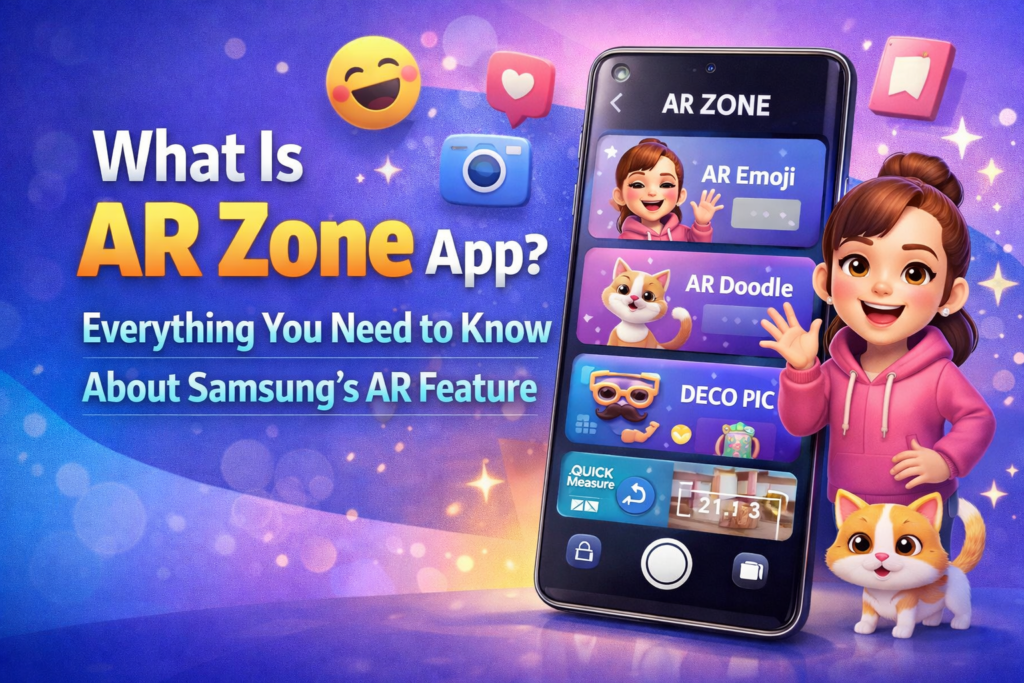
The AR Zone app enables multiple AR-based features, including:
- AR Emoji – Create animated avatars based on your face
- AR Doodle – Draw virtual elements in real time using the camera
- Deco Pic – Add stickers and effects to photos and videos
- Quick Measure (on supported devices) – Measure objects using AR
These capabilities employ the phone’s camera and motion sensors to superimpose digital things over the actual world.
Why Is AR Zone App Installed on My Phone?
Many Samsung phones come with AR Zone pre-installed.
This happens because:
- It is part of Samsung’s system software
- It supports built-in camera features
- It enhances Samsung’s AR capabilities
It is not a third-party download and does not install automatically.
Is AR Zone App a Samsung App or Android App?
AR Zone is a Samsung-exclusive software, not a generic Android app.
This means:
- It is designed specifically for Samsung Galaxy devices
- It may not work on non-Samsung Android phones
- It is managed through Samsung updates, not as a separate Play Store app
Its availability is determined on the device model and the One UI version.
Is AR Zone App Safe?
Yes, AR Zone is safe to use.
It:
- Follows Samsung’s security policies
- Requires camera and storage permissions only when used
- Does not access personal messages or contacts
If you do not use AR features, you can safely disable the app without compromising your phone’s main operations.
Do You Need AR Zone App?
You need AR Zone if you:
- Use AR Emoji or camera AR effects
- Enjoy animated stickers and creative tools
- Use Samsung’s AR camera features
You may not need AR Zone if:
- You never use augmented reality tools
- You prefer minimal system apps
The app is optional and has no effect on the phone’s critical functionality.
Can You Remove or Disable AR Zone App?
AR Zone, as a system-level software, cannot usually be completely deleted.
However, you can:
- Disable it through Settings → Apps
- Prevent it from running
- Remove it from your app drawer
This is the safest option if you do not intend to employ AR features.
How to Access AR Zone App
On most Samsung phones, AR Zone can be accessed by:
- Opening the Camera app
- Tapping More
- Selecting AR Zone
On certain smartphones, it may display as a different app icon.
Conclusion
The AR Zone app is Samsung’s built-in augmented reality platform, designed to power creative camera features like AR Emoji, AR Doodle, and digital stickers. It isn’t spyware, malware, or a random download; it’s part of Samsung’s system software.
If you appreciate using creative camera tools, AR Zone will enhance your experience. If you don’t use AR features, you can safely disable them. In any case, AR Zone is an official Samsung feature that provides customers with more interactive and customizable camera options.